You can cancel a pending laptop return request before it ships out.
Step 1: Log in to your portal. After logging in, look for the “Cancel Order” button when the status is pending.
Simply click on the “Cancel Order” button that appears.

Step 2: Confirm the order number to ensure accuracy.
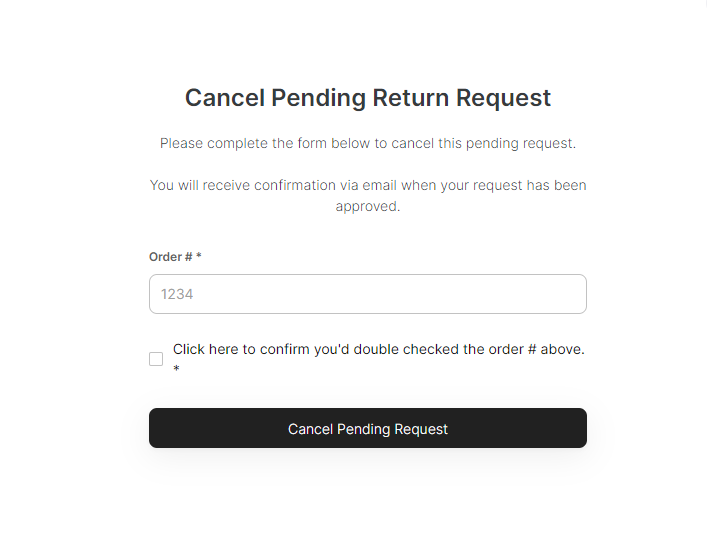
Step 3: Once you have verified the order number, click on “Cancel Pending Request” You’ll receive an email confirmation once the order has been successfully canceled.