Objective
To delay the sending out of a return shipment to a future date without notifying the employee until the chosen date.
Add a Delay
- Fill out all necessary information for the return shipment as usual.
- Enter the final destination address.
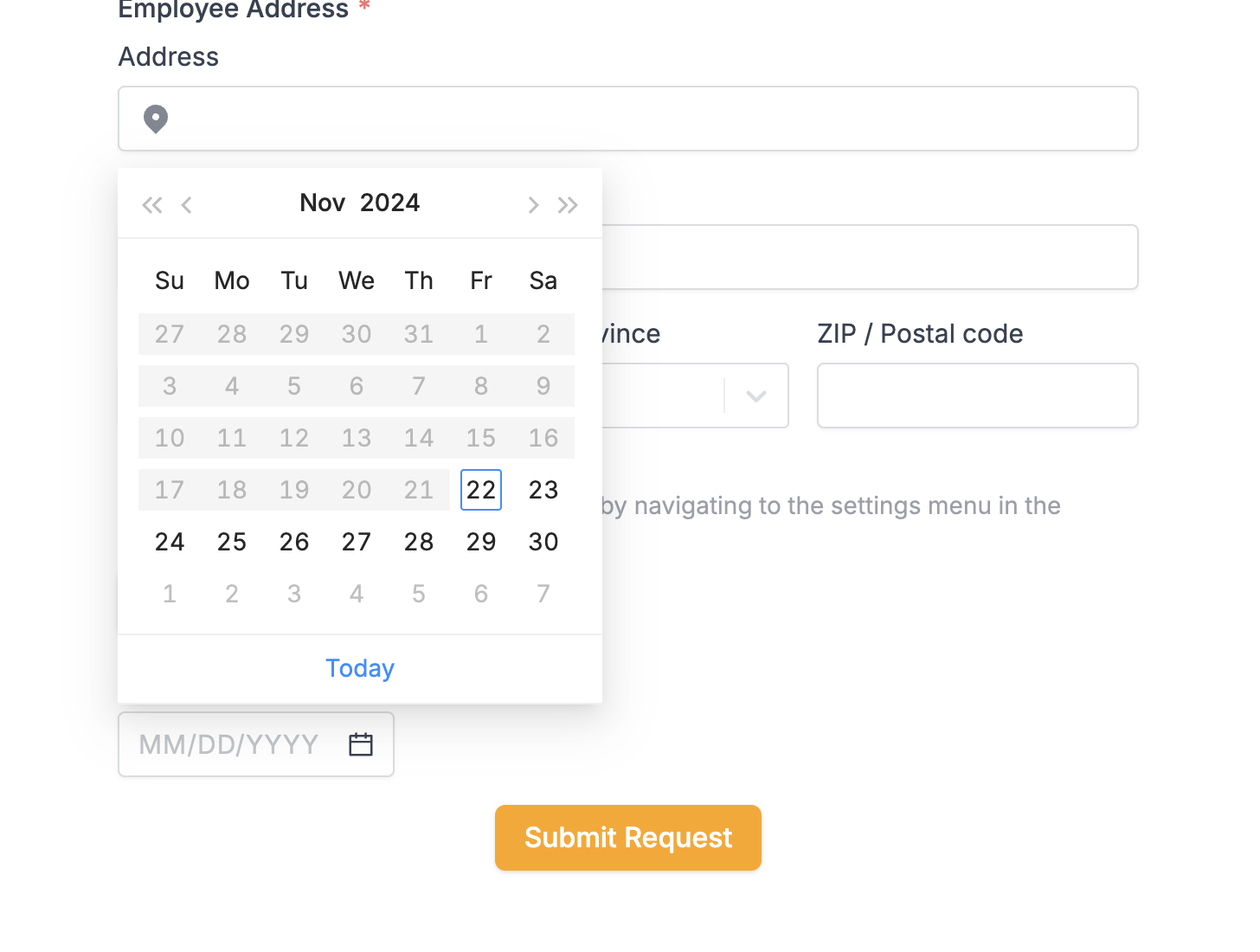
- Choose the desired send date for the shipment.
- Click on “Submit Request” to confirm the delayed sending of the return shipment.
- The confirmation email will be received, but the shipment will not be processed until the chosen date.
Cautionary Notes
- Ensure all information for the return shipment is accurate before delaying the send date.
- Double-check the chosen send date to avoid any errors in the delay process.
Tips for Efficiency
- Use this feature when you need to schedule a return shipment in advance to avoid forgetting about it.
- Communicate with the employee about the delayed shipment if necessary to manage expectations.
Link to Video Walkthrough
https://loom.com/share/75e4457b20024826ad3bb34dec6e8e4b?src=composer